FeatureFreeLifetime
21
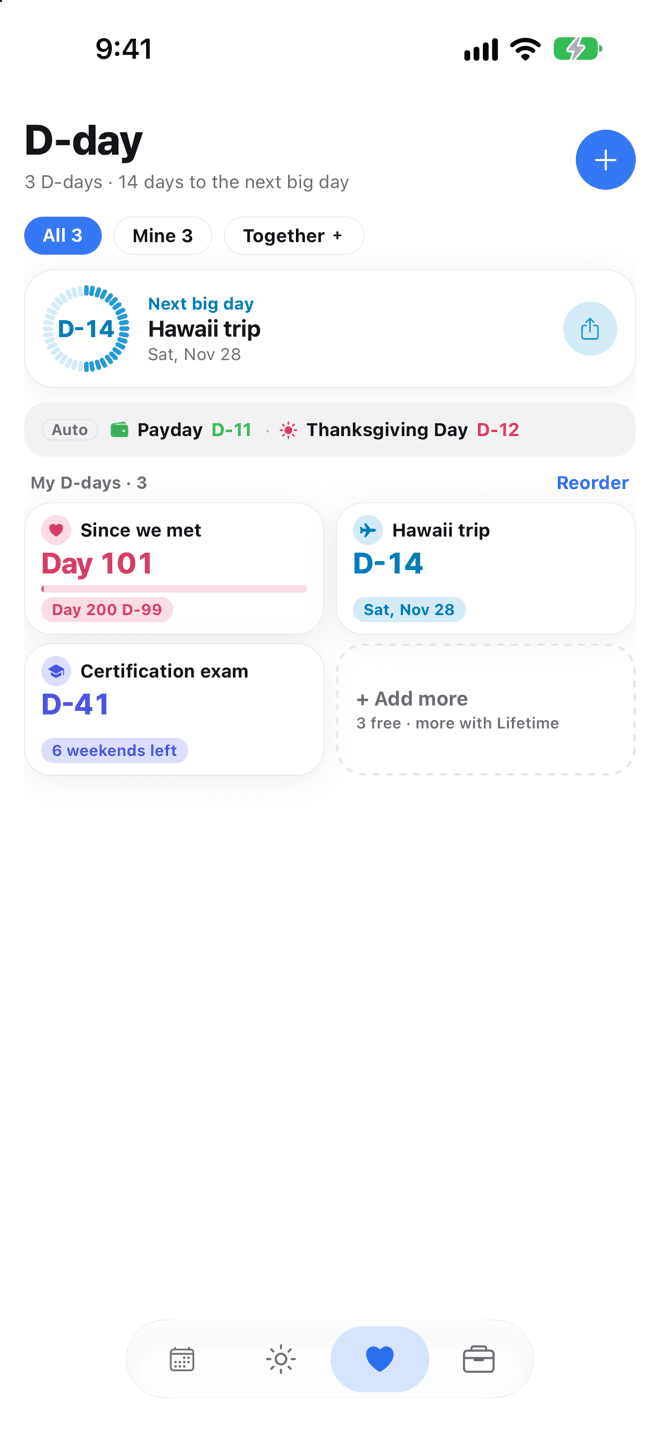
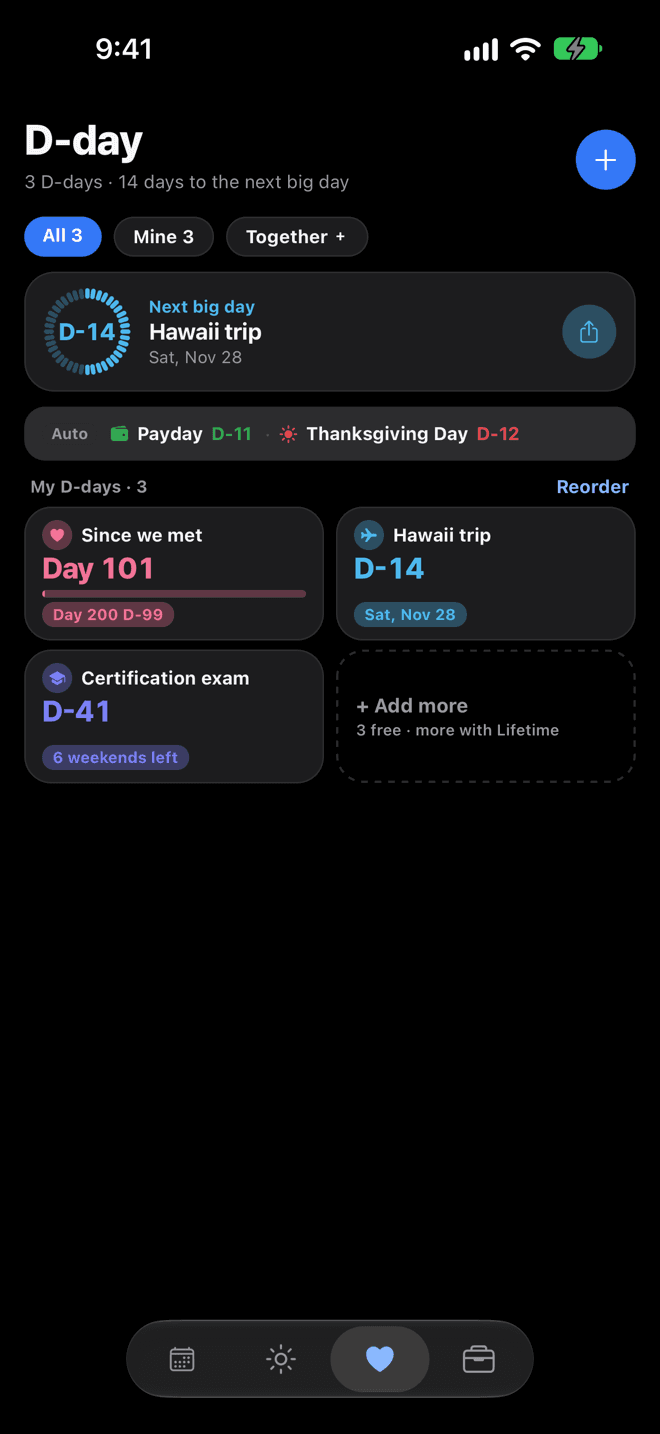
D-days (D-days others add to a shared space and D-days in the Memory box don't count; trips and exams move to the Memory box at the bottom of the D-day tab the day after they end, other one-time D-days after a week)3Unlimited
D-day templates, detail screen, milestone list, next big day, upcoming list, and reordering on the D-day tab, age on birthday D-days, lunar calendar basis (follows your holiday country — Korea, China, or Vietnam — and can be changed)✓Included✓Included
Next holiday as an automatic D-day (e.g., Columbus Day · 3 days off: the holiday plus the weekend next to it, on the D-day and Today tabs; doesn't count toward your 3 D-days)✓Included✓Included
D-day photos (partner, baby, background), choosing a Couple widget background photo (it shows on your partner's widget too), and milestone alerts–Not included✓Included
Couple D-day — add Our special days (name, date, every year), one-line Memories on any day, browse memories, hearts and comments, Our plans (Nalbom shared events by default, with place, notes, and D-n to your next date; an iCloud or Google calendar you both use is optional)✓Included✓Included
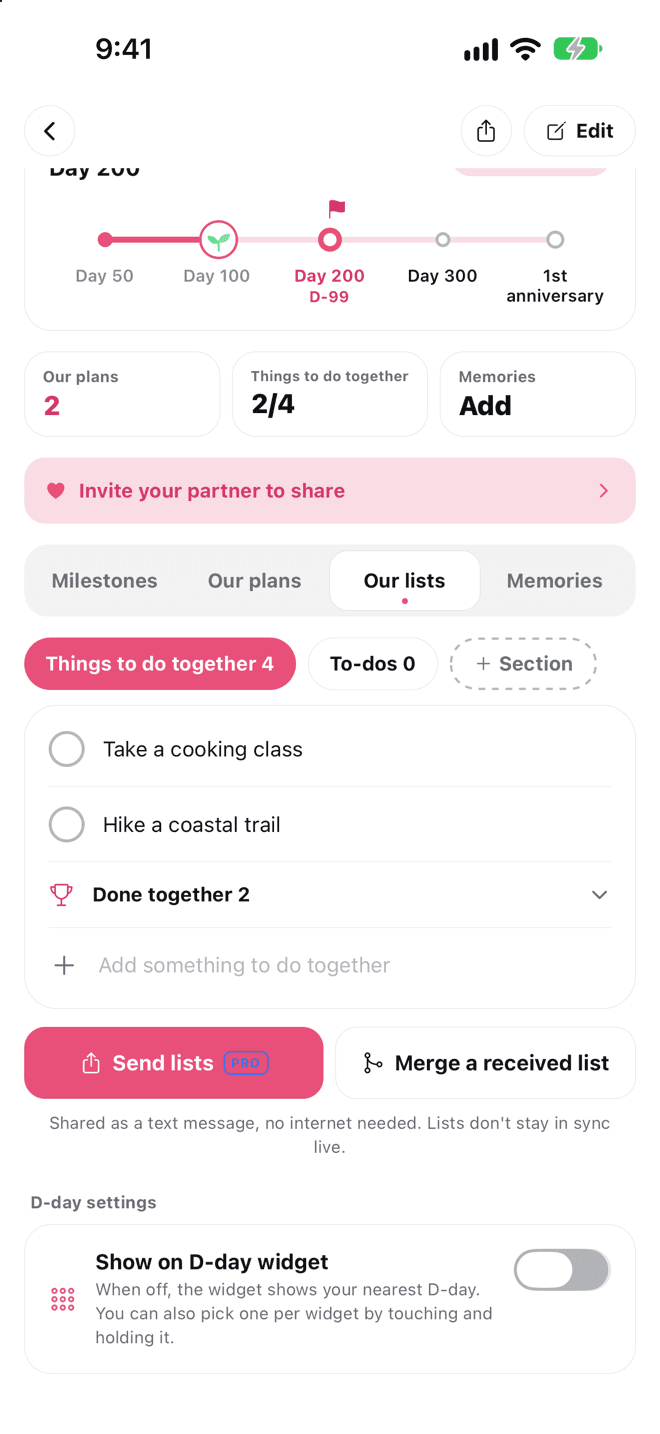
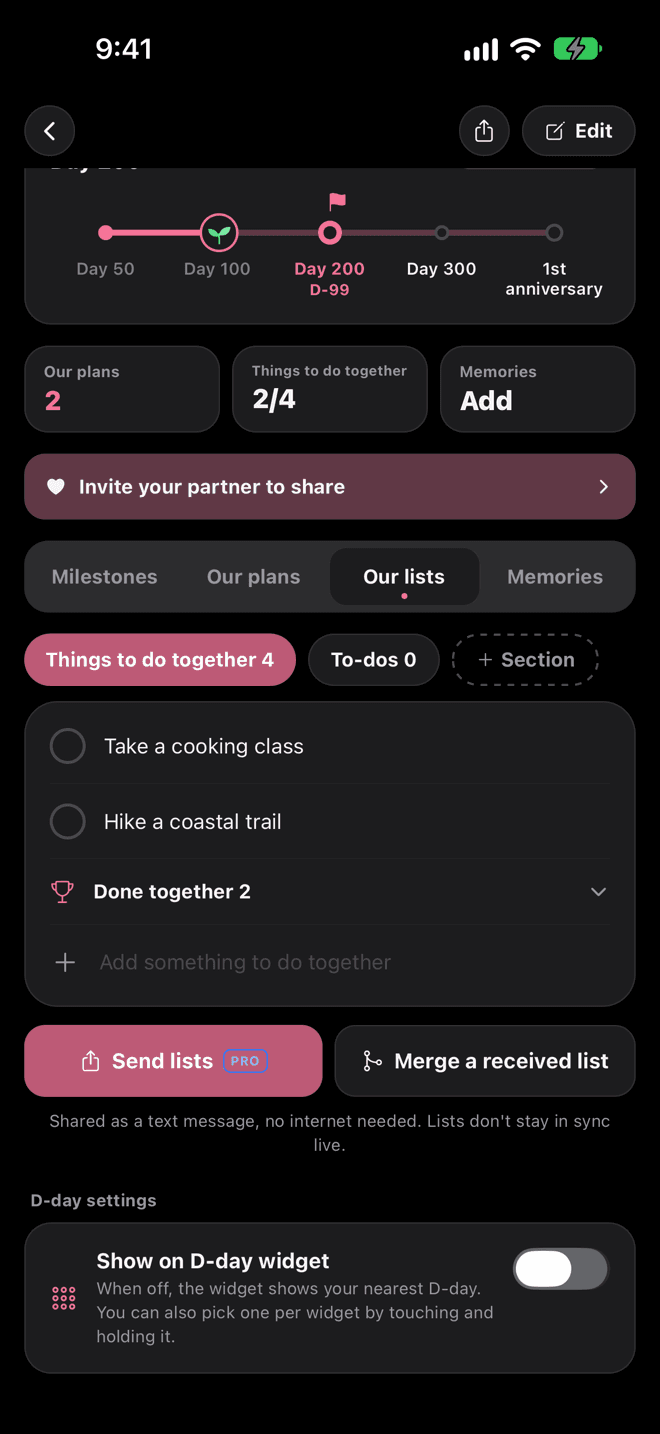
Couple D-day Our lists — who and due date; links as preview cards with title and image; places as chips that open your map app; paste just a link and the page title becomes the name; paste text copied from Naver Map or KakaoMap, or a name plus a link, and it's split into name, place, and link; what you've done together; rename and add sections; merge a list you received✓Included✓Included
Couple D-day: Send lists as text (in a text message or chat)–Not included✓Included
Lunar special days (every year)–Not included✓Included
D-day share cards (square 1:1, feed 4:5, story 9:16; share or save to Photos; post as text to X or Threads)Accent template, 6 gradient backgrounds, with the Nalbom markPlus photo and minimal templates; hide the Nalbom mark
Hide the Nalbom mark on D-day share cards and memory export photo cards–Not included✓Included
Your Nalbom Year — flip through your year (twelve-month garden, numbers, moods, brightest day, the two of you), three things for the new year, share to your story (with the Nalbom mark)✓Included✓Included
Hide the Nalbom mark and blur the photo on the Your Nalbom Year story image–Not included✓Included
Couple connection — Our lists and Our D-days shared live between two phones, plus anniversaries, memories, and shared events, with a notification when your partner changes something (notifications on iPhone, iPad, and Mac)✓Included✓Included
Family, Friends, and Trip spaces (spaces you're invited to don't count; the creator can remove members)1Several
Shared D-days, shared lists (rename and add sections), assigning someone, space memories✓Included✓Included
Three sections for each kind of space and D-day (Family: birthdays and anniversaries / events / lists; Friends: meetups / events / lists; Trip: D-day / events / lists; Baby D-day: milestones and memories / vaccinations / supplies; Exam D-day: time left / exam dates / study list)✓Included✓Included
Shared look (photos, background, and milestone alerts someone adds to a shared D-day show for everyone, including the Couple widget background; switch to My look on this device only)✓Included✓Included
Memory photos (any day, one per memory, in every space — couple, family, friends, and trips — visible to everyone in a shared space) and reminders for anniversaries you add–Not included✓Included
See shifts with family or your partner✓Included✓Included
Overlay someone else's shifts on your calendar–Not included✓Included
D-day web links (people without the app can see the countdown in a browser)✓Included✓Included
11
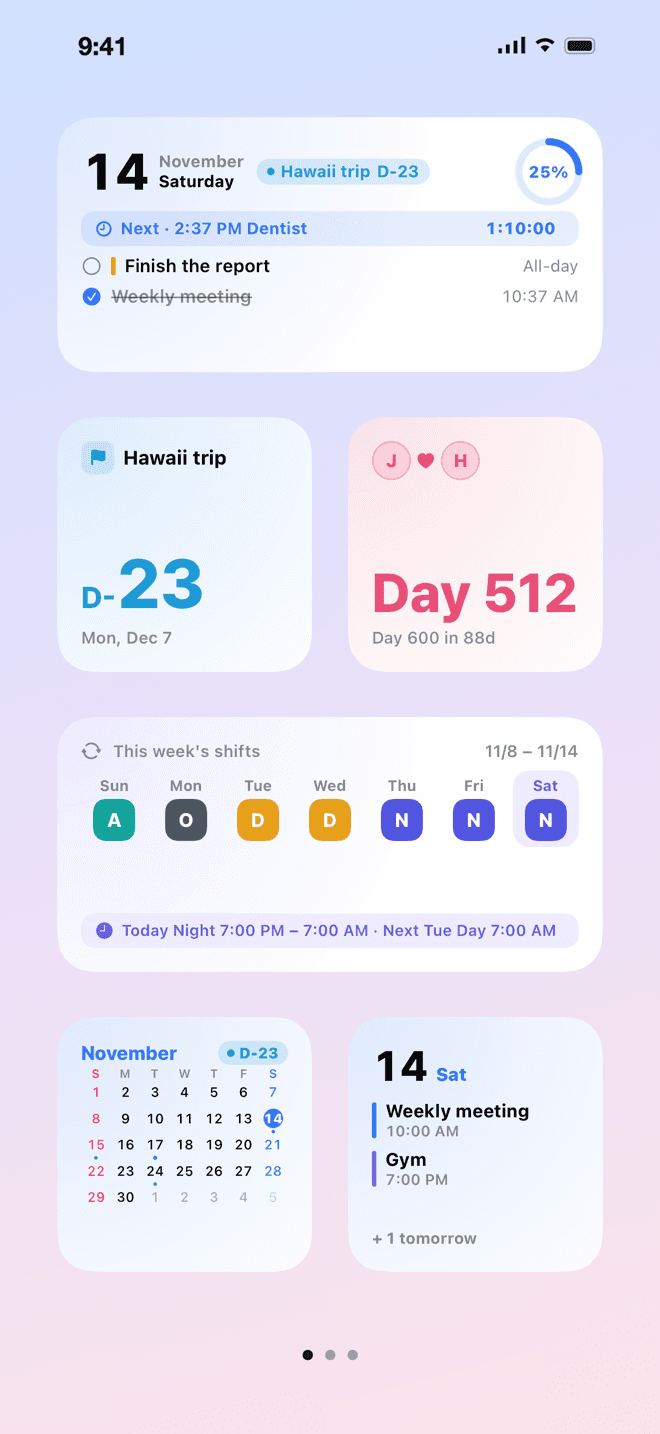
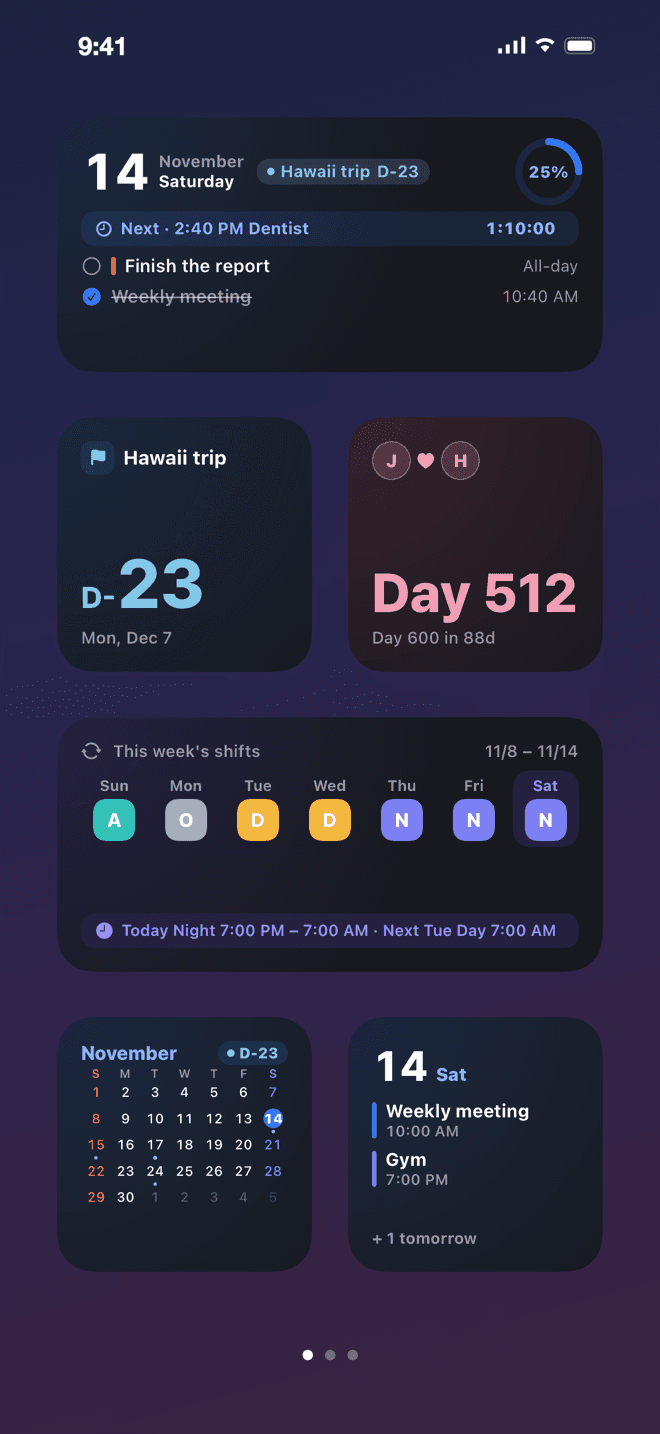
Couple widget (both names, days together, upcoming special day)✓Included✓Included
Home Screen Today and D-day widgets (plus an extra large Today widget on iPad and Mac), check off to-dos right on the Today widget, choose which D-day the D-day widget shows✓Included✓Included
D-day on the Today widget✓Included✓Included
This month's calendar and Off work & payday widgets (clock in and out right on the Off work widget)–Not included✓Included
Shifts widget (uses your own shift pattern and roster: the small size shows today's shift, its hours, and tomorrow; the medium size shows this week's 7 days and your next shift; also on the iPhone and iPad Lock Screen. Uses only data on your device)–Not included✓Included
Lock Screen live updates (next event, today's to-dos, anniversaries and payday on the day; iPhone and iPad Live Activities, Apple Watch Smart Stack on iOS 18 or later, Android notification)✓Included✓Included
Trip transport — a countdown on the Lock Screen starting 3 hours before a train, bus, or flight added from a booking message from a supported service (not on Mac)✓Included✓Included
Clock-out countdown on the Lock Screen (iPhone and iPad Live Activities, Android notification)–Not included✓Included
Focus timer — focus for 5 minutes to 3 hours (quick picks of 15, 25, 40, 50, and 90 minutes; long-press the app icon to start) with time left, Pause and End on the Lock Screen and Dynamic Island (Dynamic Island on iPhone; Lock Screen only on iPad; notifications on Android), a notification when it ends, and study time added up on your exam D-day (on Mac, in the app and by notification only)–Not included✓Included
Couple widget background from that day's memory photo or a photo you chooseSee the background photo your partner chose✓Included
Upcoming and Today & calendar widgets (iPhone, iPad, and Mac; pick the D-day under the date on Today & calendar in Edit Widget; the extra large size on iPad can show a second D-day too), Lock Screen widgets (iPhone, iPad), extra large Today & calendar widget (iPad and Mac). Widgets need iOS 17 or later, or macOS 14 or later on Mac–Not included✓Included
27
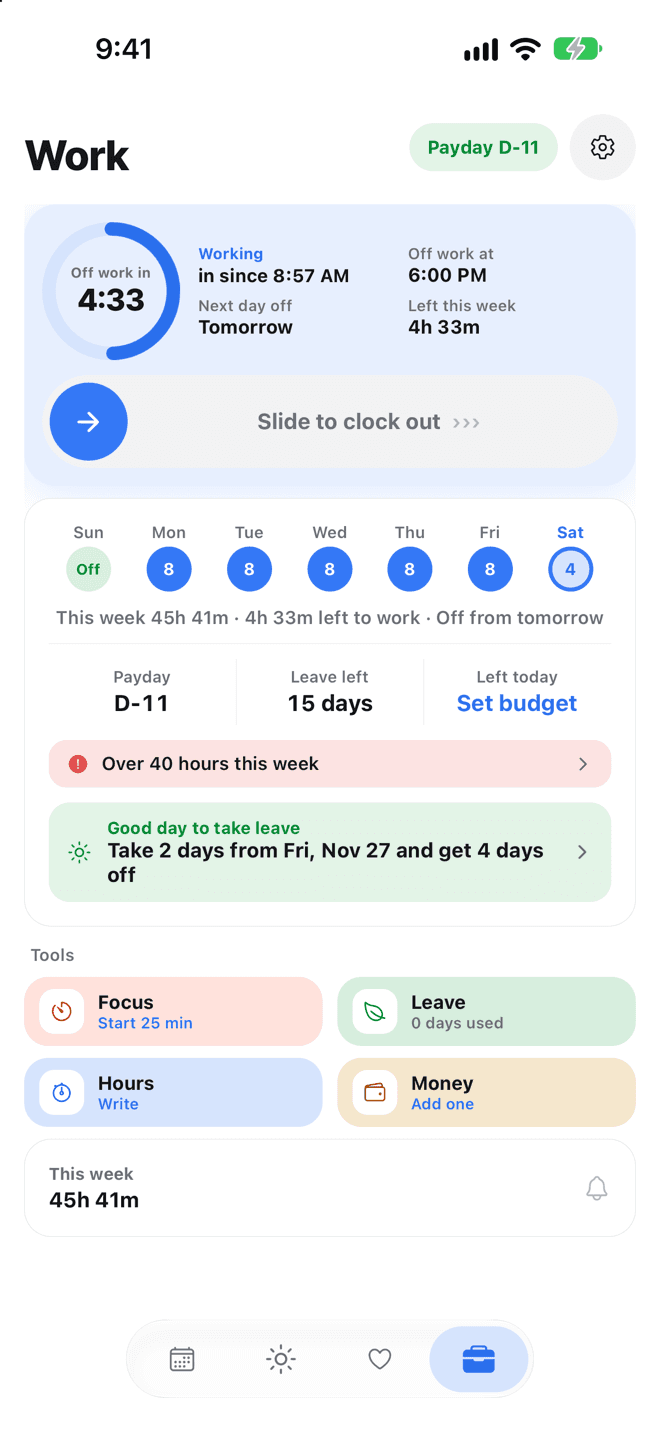
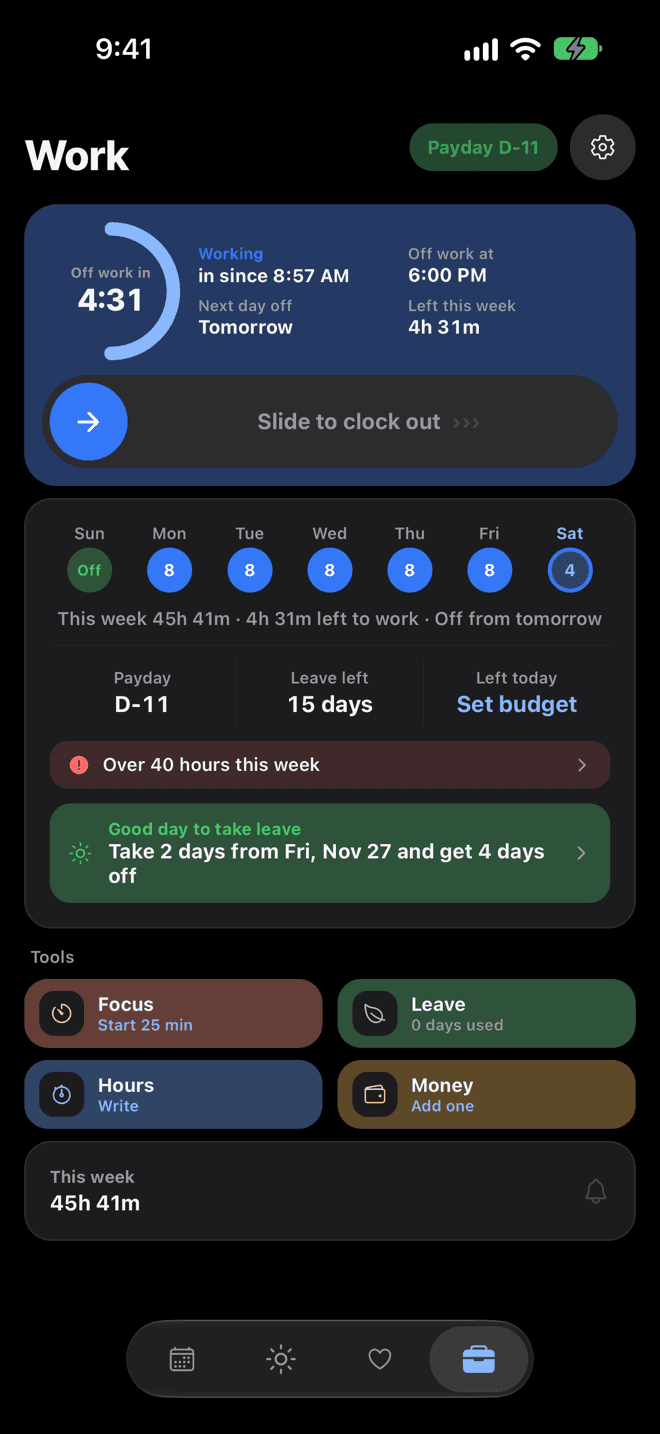
Payday and off-work screen, automatic D-days, top card that fits how you work (Set hours, Hours change daily, Shifts, Just payday & money, Just money and daily life for students and homemakers)✓Included✓Included
Annual leave (leave left, next leave)✓Included✓Included
Leave log (several days at once), expiry notices (Korea)–Not included✓Included
Leave plan (the longest breaks your remaining leave can make, and fill in the dates to log leave)First breakAll breaks
Work hours log, this week's total, weekly hours bar (52 hours in Korea, your own target elsewhere), clock-out reminder (an hour after your set end time if you only clocked in)✓Included✓Included
Today's estimated clock-out (with “Hours change daily,” on the top card of the Work tab; estimated from your average hours over the last 4 weeks of clock-ins, or from your daily target if there are no records)✓Included✓Included
This month's pay from your hourly wage (an estimate from your clock-ins: weekly holiday, night, overtime, and day-off pay, and the 3.3% deduction in Korea, local overtime rules in Japan and the U.S., your own rate elsewhere; your payslip shows the actual amount)✓Included✓Included
52-hour alerts (Korea), overtime, night, and day-off stats (8-week trend and monthly totals), CSV export–Not included✓Included
Shift calendar (one pattern, calendar badges, single-day changes), fill in a month at once (pick a shift and tap days), next month's roster reminder (the 25th at 8 PM)✓Included✓Included
Quick roster entry (swipe across days, fill by rotation)✓Included✓Included
Paste a roster (reads a message or a table from Excel or Google Sheets on your device and fills in your days; pick your row on a team roster, then check and fix it before saving)Preview only✓Included
Multiple shift patterns, monthly shift stats (night shifts and days worked on public holidays), share your shift schedule as an image, reminder the day before–Not included✓Included
After-work mode (hide work events)AppApp and widgets
Work journal: pull in that day's records, note tools (Enter continues numbering, a toolbar above the keyboard, checks), carry over unfinished 'For tomorrow' items from your last journal, a 7-day week strip on top (a dot on days you wrote), and an Open button to open links you wrote right in your browser✓Included✓Included
Weekly report, work journal CSV export–Not included✓Included
Payday alert (on payday morning, moved earlier on weekends and holidays)✓Included✓Included
Friday evening weekly summary alert✓Included✓Included
Week in review card on the Today tab on Sunday evening (swipe through your week)✓Included✓Included
Spending — expenses, fixed costs (rent, subscriptions; a reminder the evening before), amounts in Quick add (e.g., lunch 12.50), and start and stop dates for fixed costs✓Included✓Included
Pay-period budget — a budget from one payday to the next, with what's left for today and how much you can spend each day from tomorrow; browse past pay periods with daily totals✓Included✓Included
Spending at a glance — each day's spending and fixed-cost days on the calendar, Left for today on the Today tab, this month's fixed costs on one bar (paid, today, and upcoming, with what's left and the next one)✓Included✓Included
Spending by month (last 6 months), spending CSV export–Not included✓Included
Gift ledger (records by person and date, search, person details, telling apart people with the same name, Your turn, typical amounts in Korea, add events to your calendar)✓Included✓Included
Gift ledger stats (by year, relationship, occasion), CSV export–Not included✓Included
Long weekend plannerFirst resultAll results
Business trips (booking, hotel, directions, gas, parking, and weather shortcuts, packing list you can edit and reorder, expenses, cost splitting (per person and your share), refunds, expenses move with the trip dates, trip events that stay visible in After-work mode), booking message import (supported Korean and some international services)✓Included✓Included
Trip expense summary (category totals, report text, CSV, or a zip with receipt photos), per diem and lodging rates (your company's daily and nightly amounts added up for the trip), receipt photos, packing reminder the day before–Not included✓Included
30
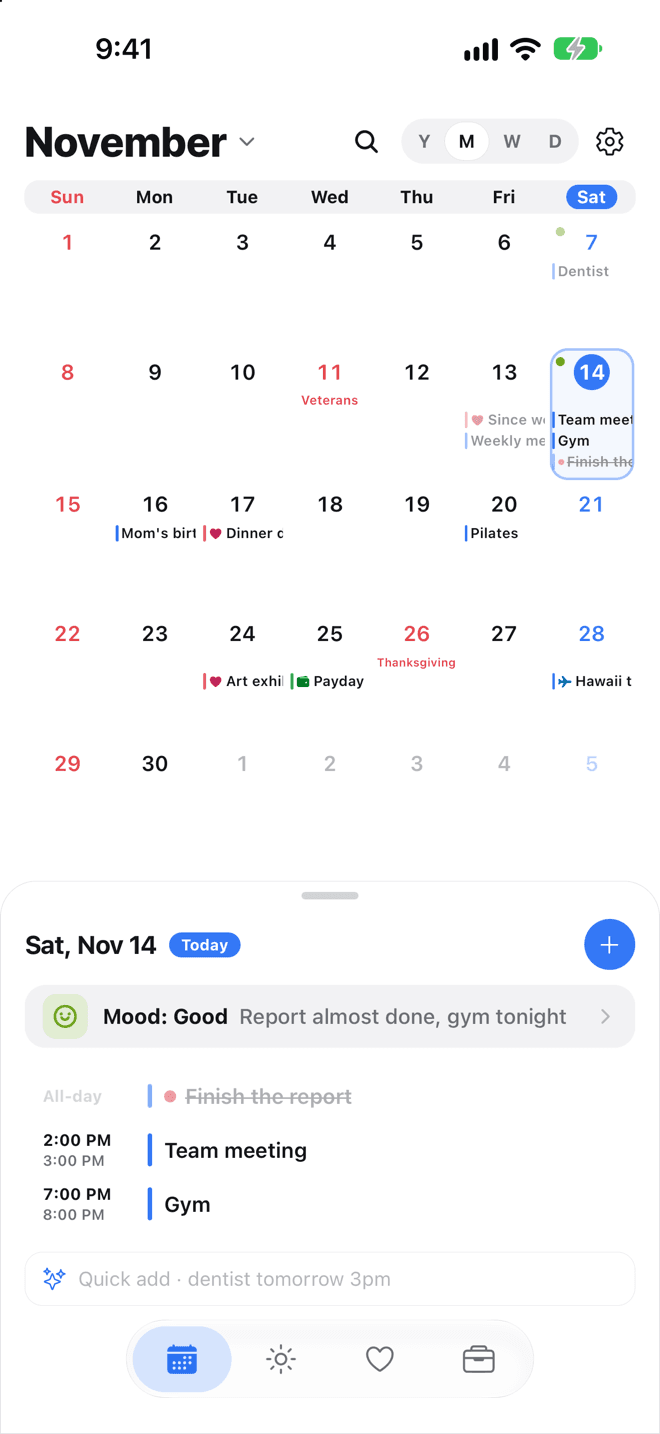
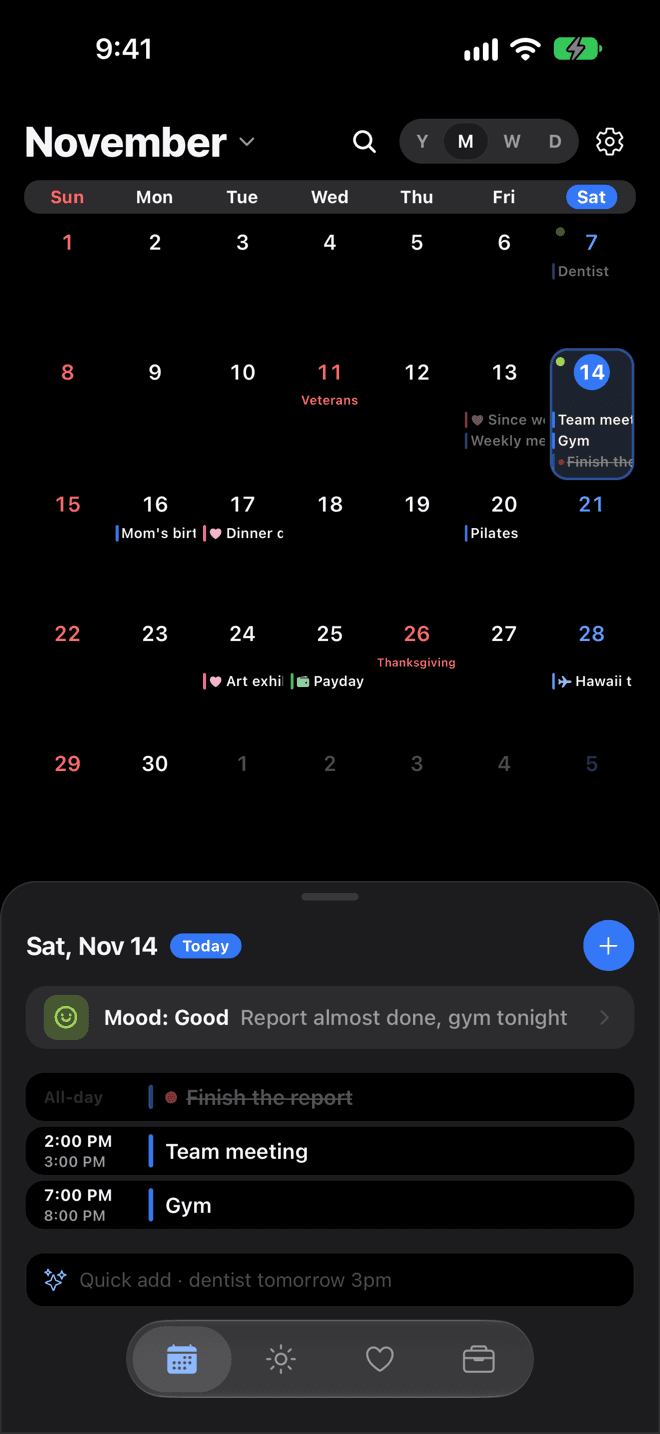
Calendar, public holidays (53 countries checked by Nalbom, plus more calculated from open data), lunar dates, device calendars, start the week on Sunday, Monday, or Saturday, day schedule✓Included✓Included
Year view (12 months at a glance, with holidays and busy days marked), choose which calendars to show (hide any Google or iCloud calendar)✓Included✓Included
A preview when picking your holiday country (the next 3 holidays, and whether Nalbom has checked that country)✓Included✓Included
Search Google and iCloud events too (3 years before and after, on device), see attendees and their replies on Google and iCloud invitations (view only)✓Included✓Included
Events and notes, repeats (daily, weekly, monthly, yearly, every few days or weeks, several weekdays, the nth weekday or last day of the month, until a date or a number of times), to-dos with priority, status, and time needed, auto-complete for past events✓Included✓Included
Long-press menu for events and to-dos (complete, move to tomorrow, copy and paste to another day, delete with undo, priority, color, move to another day; for repeating events, this day only or all future)✓Included✓Included
Event time zones — pick this device's time zone or one of 35 cities from the Time zone chip under When, enter the local time, and see My time too (for Nalbom events and Google or iCloud events alike)✓Included✓Included
Events abroad — the calendar, reminders, and widgets use your device time; the day list shows ‘Local 3:00 PM · Paris’; times adjust when your device time zone changes after you land (repeating events saved only in Nalbom use this device's time zone)✓Included✓Included
Quick add (one line): dates and times, and picks the calendar and color from your past events or calendar names✓Included✓Included
New item: a chip that picks up the date and time when you type “dentist tomorrow 3pm”, frequent titles, quick time chips✓Included✓Included
Long-press an event and drag it to another day✓Included✓Included
Send and receive events as text (share by messenger or text, and turn a received text into a new event)✓Included✓Included
Quick add: duration, priority (!), and place (@) (also in the new item title; the 10 free tries count both together)10 free triesUnlimited
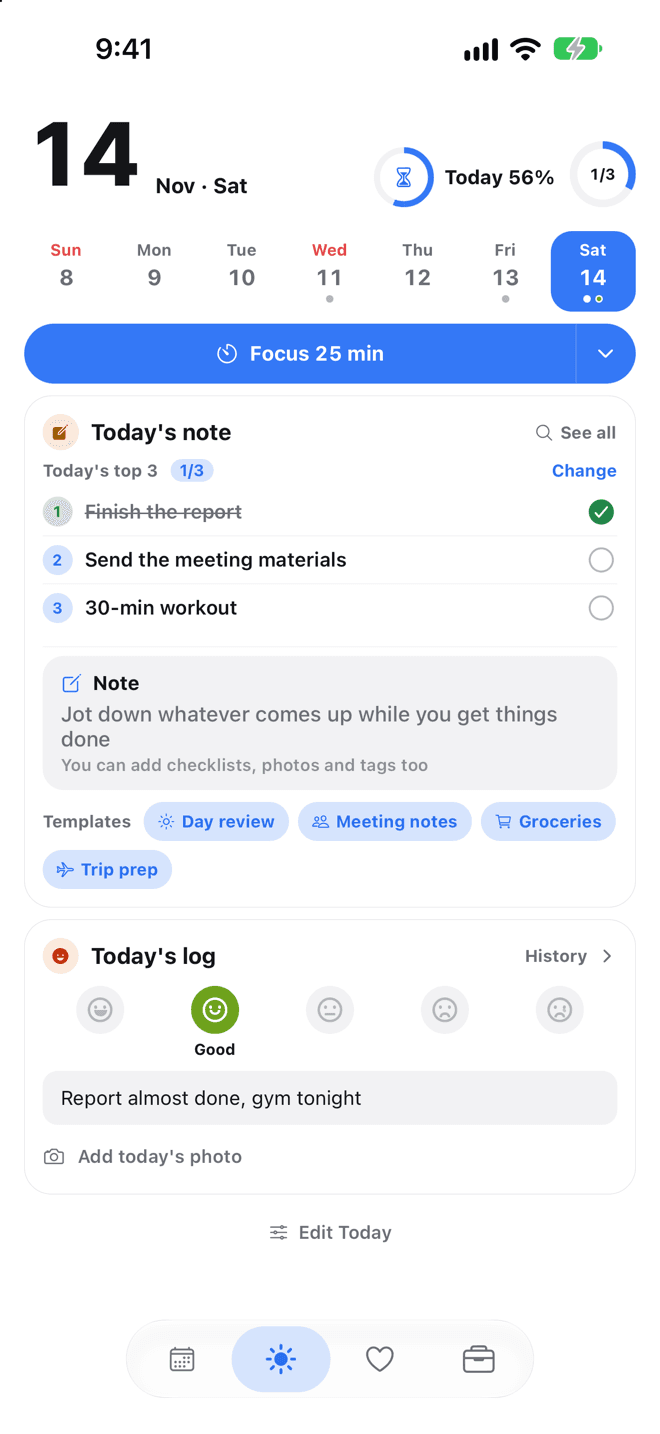
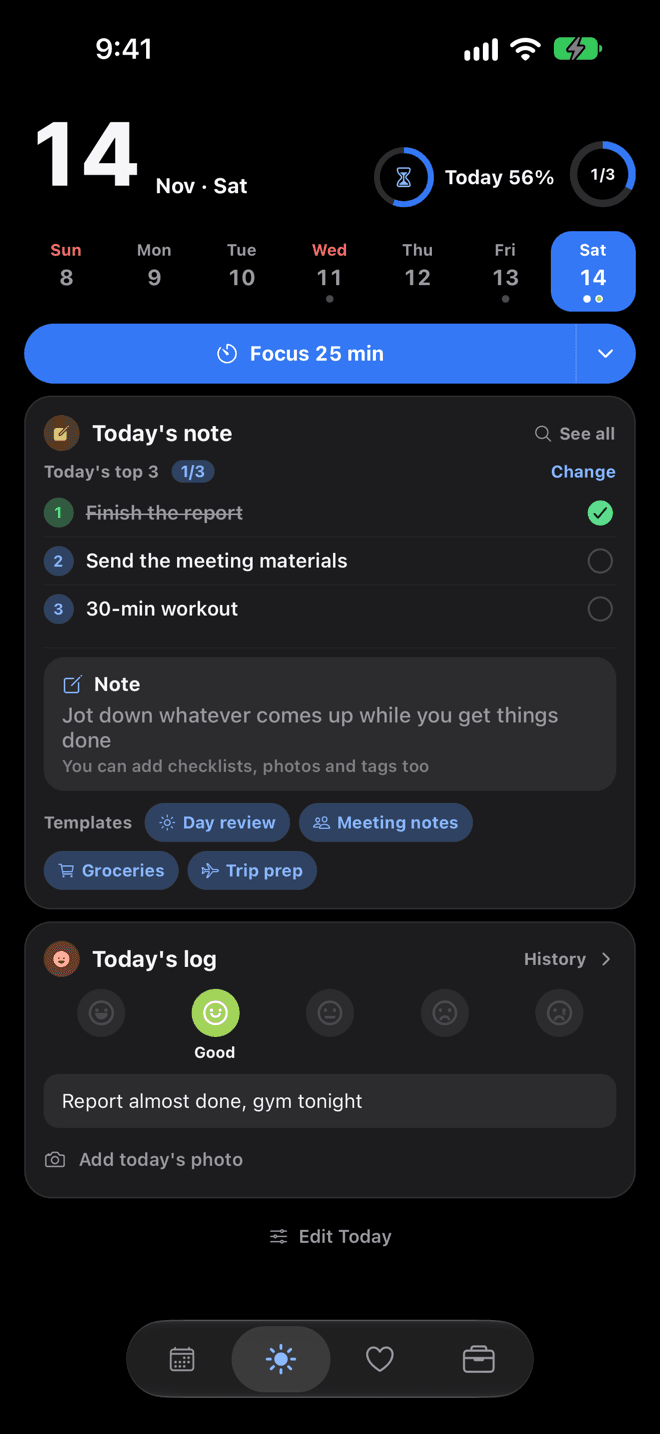
Today tab, Today's progress, edit the Today tab (show or hide cards)✓Included✓Included
Time progress (blocks for today, this week, this month, this year, and until payday)✓Included✓Included
Weekly progress (in Week view, the share of events and to-dos you finished that week, as a bar and a count; free shows a faded sample only)–Not included✓Included
Event reminders (up to 5 per event, custom times, default alerts for new events) and D-day alerts on the day✓Included✓Included
Upcoming alerts in Settings › Notifications (alerts for the next 7 days and how many are scheduled)✓Included✓Included
Complete, snooze 10 minutes, or move to tomorrow right from the notification; long-press the app icon to jump to New, Today's log, Clock in/out (once you set up work), or Make a D-day✓Included✓Included
Time left until your next event, every 30 minutes–Not included✓Included
Photo attachments per event or note (saved at a smaller size; swiping, zooming, and long-press reordering are free)110
File attachments for events and notes (PDFs and more from the Files app, up to 20 MB each; tap to preview, save to Files, or open in another app; filter Search by Files)110
Voice memos–Not included✓Included
Note formatting (headings, numbered lists, emphasis, indents, moving lines; type “- ”, “[] ”, or “# ” at the start of a line to switch it), checklists, a Highlight button (yellow, green, pink, blue), redo and hide-keyboard buttons✓Included✓Included
A large date title at the top of date notes, note list with preview cards (pin to keep on top, this week, older), and Start from a template cards (one line on what each includes)✓Included✓Included
Notes: select multiple, priority, sorting, due reminders, Recently deleted (30 days), send a checklist line as a to-do✓Included✓Included
Notes without a date, #tags, outline and highlight lines, share as text or Markdown✓Included✓Included
Save to a note — share text from other apps (Notes, messages, Safari and more) to Nalbom and add it to the end of today's note or any day's note, or make it an event or note✓Included✓Included
Note folders · My templates (group notes into folders, save note layouts as templates)–Not included✓Included
Lock notes — open chosen notes with Face ID or fingerprint (or your passcode); their title and text stay hidden in lists, Today, and Search–Not included✓Included
11
One-line daily note and mood, this month's mood calendar✓Included✓Included
A Photo a Day (photo diary, calendar-style view, share as one image with the Nalbom mark)✓Included✓Included
What day is it today (world days, plus the 24 solar terms when your holiday country is Korea, Japan, China, Taiwan, or Hong Kong)✓Included✓Included
Export memories (ZIP: cover, photo cards, original photos, text list; all, a date range, or the ones you choose)✓Included✓Included
Year mood heatmap and stats, daily reminder, CSV export–Not included✓Included
Color themes (free: Default, Sky, Oatmeal, Mint Milk; Lifetime adds Blossom, Lavender, Peach, Butter, Night Sky, Moss, Ocean, Snow, Night Forest. Widgets match too; on iPhone and iPad the app icon can match)413
Accent colors (free: Nalbom Blue, Coral, Green, Brown, Teal; Lifetime adds seasonal colors that change each month)519
Dark mode, text size, and other display settings, search in Settings✓Included✓Included
Second country (its holidays on your calendar and widgets; calculations use your holiday country)–Not included✓Included
Back up and restore✓Included✓Included
iCloud sync (iPhone, iPad, and Mac on the same Apple Account; iOS 17 or macOS 14 or later; not on Android; photos, voice memos, and files on Wi-Fi only)–Not included✓Included